Made from your photo
Create Emoji Portraits from Photos
Turn a face photo into a detailed 4:5 emoji portrait.
A portrait has more room for hair, shoulders, and expression than a tiny avatar. Detail 5 uses smaller blocks to follow the edge of the face and hair, while the 4:5 format adds space around the full photo rather than trimming it.

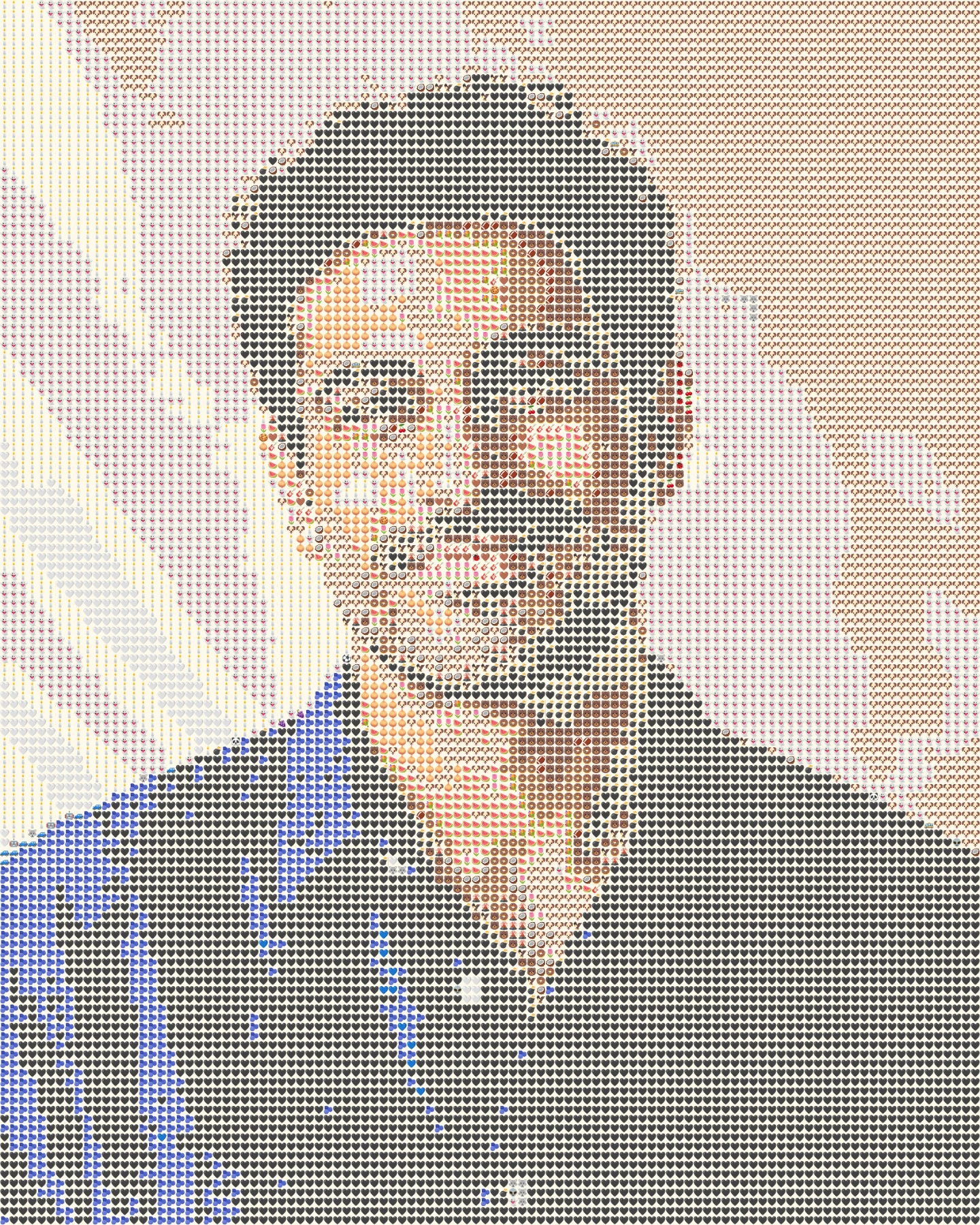 OriginalEmoji art
Create your own
Make it yours
Choose a photo and make emoji art right in your browser.
No photo? Try one of these.
JPG, PNG, WebP · Max 10 MB · No photo upload
Your result
PNG · No watermarkStyle
No watermark. Saved directly from your browser.
Sample before and after
OriginalEmoji artSee the preset in action
These two portraits use the same dense preset on different faces and lighting.
OriginalEmoji artThe finer grid follows his smile and the edge of his dark hair.
 Original
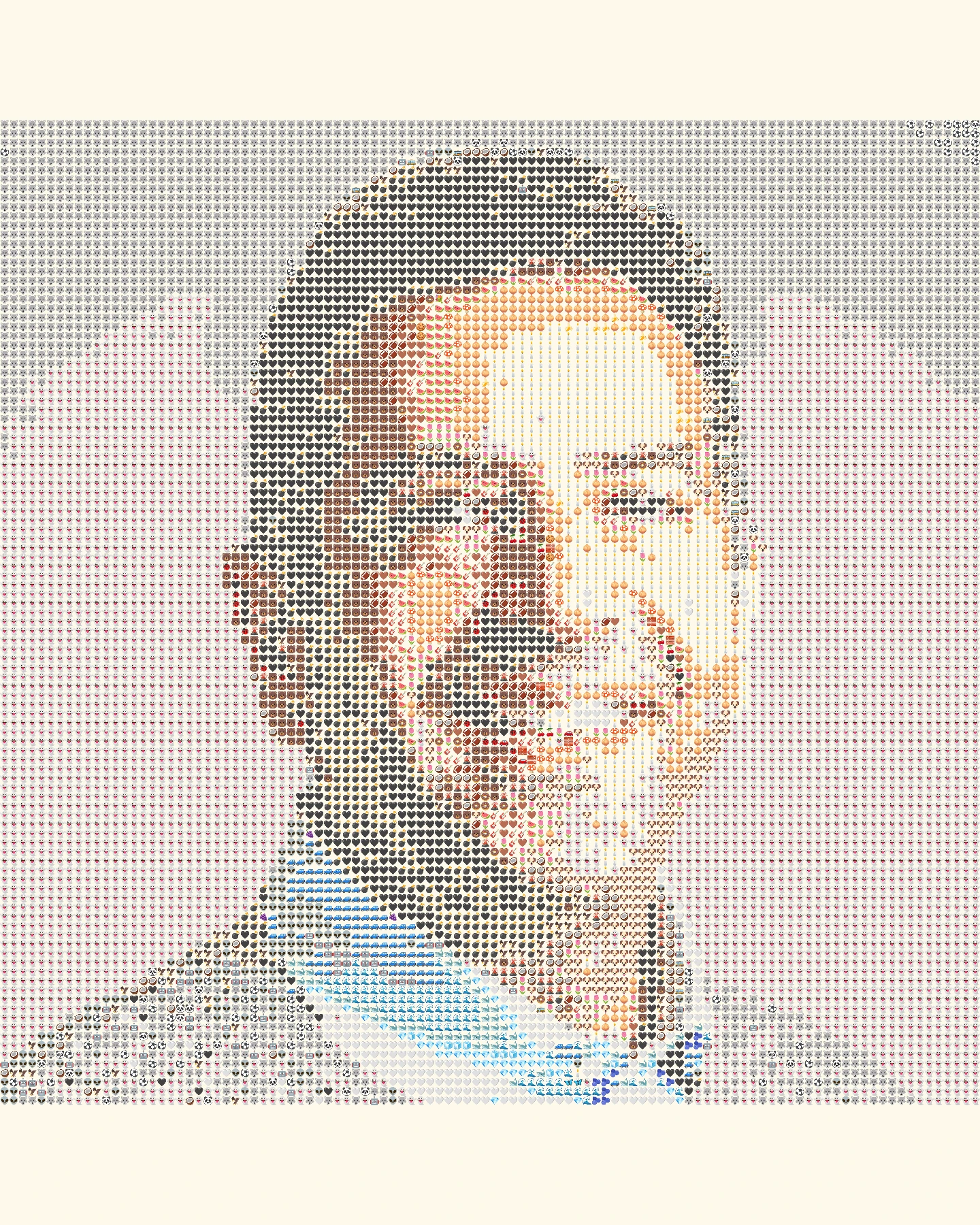 Emoji art
Dark and light tiles separate facial features from the background.
How it works
- 1Choose a photo
Use a JPG, PNG or WebP file up to 10 MB, or try one of our samples.
- 2Shape the mosaic
Switch between Grid, Texture and Chart, then set the amount of detail.
- 3Save your PNG
Compare it with the original and download your finished image.
Photo tips for this style
A few small choices can make the subject easier to recognize.
- Use a sharp face photo with light across the eyes and cheekbones.
- A simple background helps dark hair and the outline of the head stay distinct.
- Side profiles can work well when the nose and chin contrast with the background.
Frequently Asked Questions
Does this change or retouch my face?
No. It samples the colors of your photo and arranges emoji tiles to suggest the original image.
Why use a 4:5 frame?
It leaves useful vertical space for head and shoulders without cutting away the source photo.
What if the hair blends into the background?
Choose a photo with more separation or try Chart style to make the underlying color blocks clearer.